

Get the guide to build your first AI agent directly in your inbox with a newsletter signup:

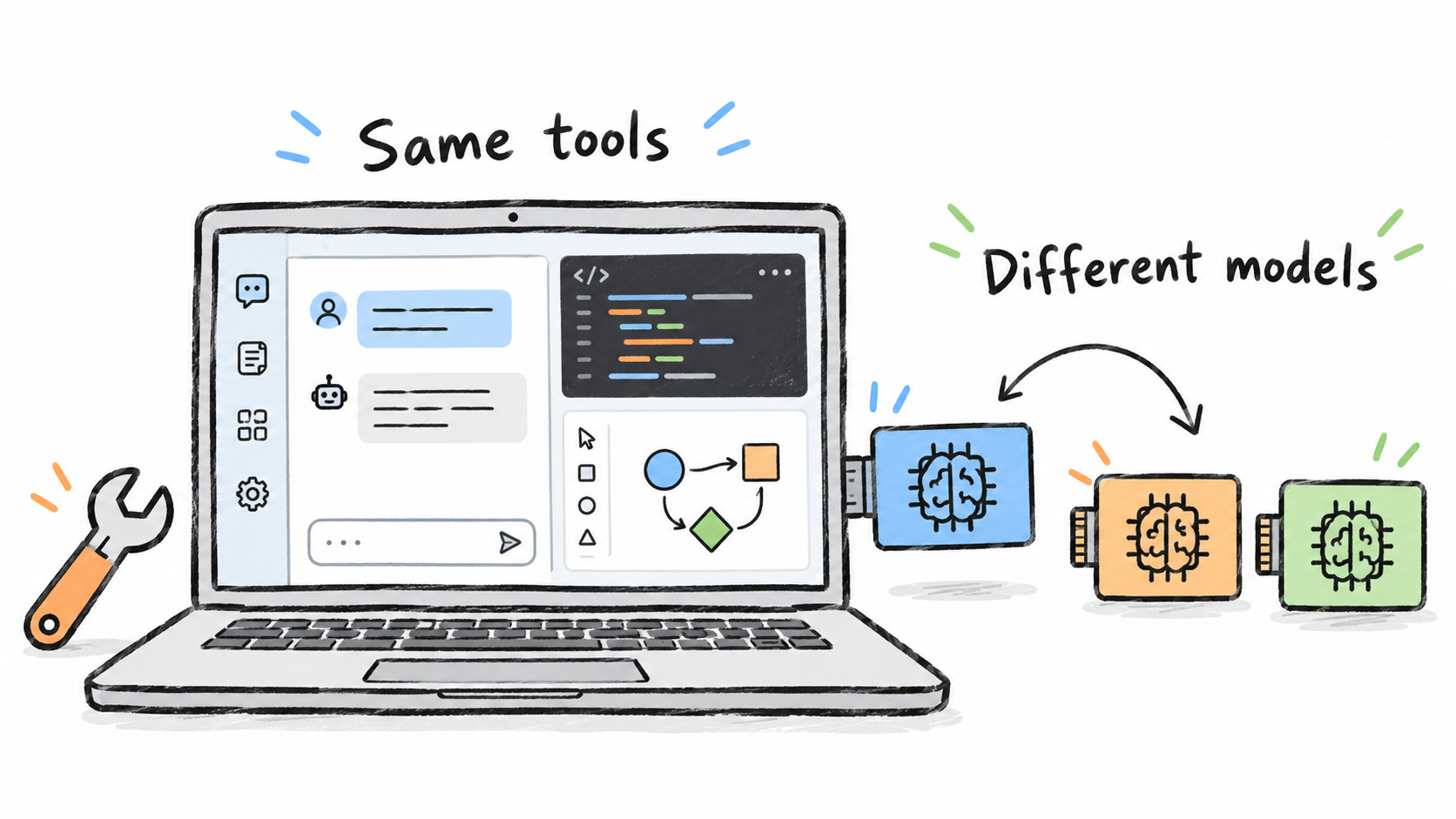
A huge pain point that I’m sure many of you have is that you get a subscription for one AI provider like OpenAI or Anthropic. And then the other one releases some amazing features that you would like to have.
This happened to me when I had an OpenAI subscription, but I wanted to use Claude Design. So I decided to take a look at the open-source community to see if there was anybody who released a tool like Claude Design but open source so that I could bring my own agent.
And indeed, there was one. So I started digging into other tools that we are using a lot nowadays and whether I could bring my own agent.
That’s why I decided to write this article, because I think it’s something that can be useful to all of you unless you are paying for absolutely every single tool that is out there.
And in some examples, you’ll see that open source is actually better than closed-source software.
So maybe we can say that these companies are the ones introducing a new tool. But very soon the open source community is catching up and improving it faster than what closed source can do.
If you are like me and you have this FOMO whenever you hear about a new tool and you would like to try it instead of buying one subscription for each major AI provider, what you can do is use the open-source alternative with the provider that you already paid for.
Now, let’s get started!
👉 If this sounds interesting, subscribe now. 22,000+ engineers are already becoming more productive. Paid subscribers have access to premium resources
Coding
Most likely, you already pay for a subscription to an AI provider to write code. In the end, you have to know that these subscriptions are subsidizing the usage of AI. This means that it’s cheaper to use AI through a subscription than using AI through an API.
But still, there are many things that maybe you would like to customize that the closed-source provider doesn’t allow you to. So even if you’re already using a subscription, for example, providers like OpenAI are very open about allowing you to use your subscription in another harness. Keep in mind that for Anthropic, that doesn’t apply.
1. Claude Code and Codex
These tools let an agent work inside your repository. But besides coding and understanding the code, you can also use them for any kind of knowledge work because in the end they are an agent with access to tools and MCPs.
OpenCode is the one I would start looking at if you want to change the model without changing the harness. If you are not sure what’s the difference, the harness is every single thing around the model, while the model is the brain. The harness is the part that reads your files and uses the tools. That’s what works with your repository.
You can also check Pi, Goose, and Aider. Pi is smaller, and you can extend it. Goose is extensible too. And if you like working in the terminal, take a look at Aider.
But if you already pay for Claude Code or Codex and you know how to use it, why change? You can stay with what you have.
Maybe tomorrow you want to use another model. And that’s the main problem with the current state of AI tools. They are keeping the memories that it learns from you for themselves, so if you wanted to switch to another you may find that it’s dumber or it’s harder to move your workflows.
And actually, Codex CLI is already open source. You have to separate that from the model and from the service that OpenAI hosts. There are ways to put another model inside the Codex harness too.
2. Cursor, Windsurf, GitHub Copilot
They bring AI into the code editor, for example completing the next lines of code or having a sidebar to request changes.
In the open source world, you have Continue, Cline, and Kilo Code. However, I’d say the biggest open source competitor is Visual Studio Code. This is the code editor that most of them are based on, and it’s very modular with the extensions marketplace. So you can install extensions for any AI provider that you may already have, like Claude or Codex.
The reason to keep Cursor, Windsurf, or Copilot is that you may already have an editor setup that works well for you. Changing tools has a time cost too.
I would consider the open-source options to have more control to change model providers while keeping my already configured editor. You never know. When using closed source like Cursor, you may find from one day to another that there is a deal broken and you can no longer use OpenAI models inside Cursor. You can prevent that by using an open-source one.
3. Devin
Devin is for delegating a development task to an agent, let it cook, and it’ll bring you something to review. The point was that you would review just the final resource instead of intermediate steps, but I think nowadays all the agent harnesses are about reviewing the final status.
OpenHands gives agents an environment where they can work, and you can configure the model they use. I would also consider Herdr and FirstMate if you want to work from the terminal.
If you want a service that takes care of the environment for you, then you can go with Devin. You’re also paying for the convenience of someone hosting everything for you.
OpenHands makes more sense if you want to control how that environment works. It also makes sense if you have a requirement about not giving an external company access to some proprietary information.
4. Lovable, Bolt.new, and v0
These tools help you go from a description to a working interface or an app prototype, without writing every part by hand.
bolt.diy is an open source option for generating and editing apps with different model providers.
The reason to use the closed-source ones is the convenience of their own workflow. If you like the output, you can host it with them and have a link that you can share.
For Bolt.diy I think the biggest advantage is choosing the model or changing the tool. The downside is that you have to set up everything yourself. Also, you will be responsible for releasing it.
5. Claude Design
You work with AI, but instead of only getting text, you can see what it is making and give feedback on that.
OpenDesign. This is the one that made me start looking into all these tools.
I already had an OpenAI subscription, but I wanted to use something like Claude Design. So I looked for a tool where I could bring my own agent instead of getting another subscription.
And for me, being able to see something and annotate on it is what changes the game. If you give me the text of a Mermaid diagram, I will have a harder time understanding it than if I can actually see what we are discussing.
If you are already using Claude and you like how the design part works, you can stay there. For me the value of OpenDesign was being able to do that visual work with my own agent. I can use the model provider that I already pay for.
6. Retool
Retool is a no-code or low-code solution that helps you build retools for your company. For example, you can build some simple UI’s like an admin banner or a dashboard or things like that. And you can connect with multiple data sources.
Both AppSmith and Tooljet have open source editions. The thing is that Retools includes stuff like hosting, integration and a team that you can support. If you already have something in Retools, the cost of moving may be higher than the cost of just paying the subscription.
Now with AI, it’s easier to move than ever. So you can check AppSmith and Tooljet. And then if you are a software engineer reading this newsletter, you can figure out how to host yourself the application. As a software engineer, that shouldn’t be too difficult.
I had an internal dashboard at work that was using Retool. But then Ring decided to remove the Retool license that they were paying for, and we had to deprecate it and migrate somewhere else. If you are building your own with these open-source tools, you won’t have that kind of problem in the future.
Chat and Research
7. ChatGPT, Claude, and Gemini
These are the chats where you talk to the AI and upload artifacts for reference
LibreChat. Like many others, this is just the chat interface and you’ll have to bring your own model.
If you already have ChatGPT or Claude and you like its features, I don’t see why you would move everything just because there is an open-source option. You would have to set up another interface.
But maybe you keep moving between providers. In that case, I would take a look at LibreChat, because you can keep the same place to work and change the model there.
8. Perplexity
Perplexity searches the internet and it will give you an answer with the sources. It’s about delegating the human work of searching for information
Vane (previously known as Perplexica). You can configure the model and also the search.
I understand paying for Perplexity because you don’t have to set up any of that. You open it and ask your question.
But think about the same thing that we have been discussing in the other examples. Maybe you want to use another model, but you don’t want to lose that way of searching. Or you want to change how the search works. That’s where I would consider Vane, because you can decide how those parts work together.
9. NotebookLM
NotebookLM helps you work with a collection of sources, like documents and notes, and ask questions about what they contain.
Open Notebook is an open-source alternative.
I was surprised when I saw that OpenNotebook can even generate a podcast similar to NotebookLM. And you can plug in any model that you want.
The difference, like with the other tools, is that NotebookLM is ready to use. For people who are non-technical, that may be easier.
Personally, I don’t have any reason to pay Google, so I go with OpenNotebook and host the workspace myself and select the model that I already pay for.
Also, considering that Google hasn’t released any major AI model lately (they have one announced but unreleased), I think it’s worth using the open-source alternative to their products with a better model like the recent OpenAI Sol 6.1 or Claude Opus 5.5.
Agents and Automation
10. Grok Bot, ChatGPT Dots, and Meta Muse
The assistants use tools and continue their work after a chat response.
Of course, the open-source alternative here is OpenClaw. It was the original one that introduced this category of software.
Hermes has gotten very popular. racazo describes itself as an open-source alternative to GrokBot, and it lets you choose the model and also operate in a sandbox. There have also been many other alternatives to the recent products like OpenBot, OpenDots, and OpenMuse, so you can check them all.
Of course, if you use one of the already hosted assistants, you just have to pay, and you are ready to start working. With an open-source one, you will need to decide which model to bring, as well as change the tool and configure the tools that are connected. I know that those are things that we are happy to do as developers because we like them, but we can understand that non-technical people won’t do any of this.
I think OpenClaw was earlier than any of the closed-source alternatives in this group.
11. Zapier and Make (automation workflows)
Zapier and Make are no-code software to connect applications to each other. They were there way before AI, and they were specialized in connecting events from one app to trigger something in another app.
The ActivePieces open-source REPL is a good alternative, but I also recommend N8N as an alternative to Zapier and Make.
Zapier and Make are ready to use. They run everything for you. Also, for the integrations, they’re already connected and require minor setup from your accounts in those dependencies, and you don’t have to maintain any servers.
If you’re not paying for any of this software, you’re going to start with ActivePieces or n8n. They have almost the same functionality, but you don’t pay for a license.
Dictation, voice, and images
12. Wispr Flow and Superwhisper
You talk to your computer and it writes what you said. So you don’t have to type everything yourself.
OpenSuperWhisper is the one I’m using on macOS, instead of Wispr Flow or Superwhisper. And you can also check Handy, VoiceInk and OpenWhispr.
For me, being able to talk to the computer is much better than having to write everything by myself. Especially when I want to explain something, and I already have the idea in my head. I don’t know why it took me so long to start talking to the computer, but now I cannot stop doing it.
Honestly, I haven’t found a reason to use a paid dictation app yet. Right now with OpenSuperWhisper, I’m running the model locally, so it’s better for privacy and all that stuff. At the same time, it’s so damn fast. And it understands both English and Spanish, so it’s good enough for me.
13. ElevenLabs alternatives for voice generation
You give ElevenLabs some text, and it generates the voice. It also has tools to work with that audio.
Chatterbox gives you text-to-speech capabilities
If the ElevenLabs voices are what you want, you have a reason to pay for it. Those are their own audio models. And you don’t have to get into running a model yourself or finding the hardware for it. You can generate the audio and use their editor.
But think about having to put this inside an application. If you have to pay too much to ElevenLabs to generate that speech, I would look at Chatterbox and see if you can do it yourself.
I think at some point audio and video will work like the other model subscriptions. You’ll pay a provider for the model and bring it to whatever tool you want to use. In this case, a tool like Chatterbox.
14. Midjourney and Adobe Firefly
Midjourney and Adobe Firefly are for generating images.
ComfyUI is an open-source alternative for generating images. However, bear in mind that you have to bring your own model.
Consider that Midjourney started with Discord as a UI, the open-source alternatives that we have nowadays are much better than when we started, when we only had a closed-source image generation model.
I’d start with ComfyUI, just controlling the process and testing different ways of generating images. In the end, you have to bring your own model, so in this case you can use a model provider like Magnific in ComfyUI.
Other work tools
15. Superhuman (AI email clients)
Superhuman is an email client with shortcuts and AI to help you get through your inbox.
Inbox Zero and Macro. I wouldn’t say they are copies of Superhuman, because they don’t approach email in the same way. Inbox Zero is more about having AI organize your email, apply rules, and prepare replies.
Maybe what you like about Superhuman is how fast you can work in the client. Adding an AI assistant to your inbox isn’t the same thing as replacing that client. But like I shared in a previous article, I don’t think we have to focus on speed of AI inference if we can have something working in the background and having results ready when you arrive
I would look at these projects if I wanted to change how the assistant sorts or processes email. But check the license and the self-hosting conditions, especially if you are going to use it for a business.
And having the code on GitHub doesn’t mean the website has to be free. Inbox Zero has its code there and also sells hosted plans.
16. Notion and Notion AI
Notion is an application for storing your documents and storing them as databases. They have other AI features in order to interact with your documents.
AppFlowy is an open-source alternative. AFFiNE also combines documents with a canvas.
Your team may already have a lot of information in Notion. That can be a reason to stay. I think this data makes it difficult to move to a competitor.
I would check the alternatives to control the workspace and choose where to host it. A tool that looked good five or ten years ago may no longer be the best choice.
17. Linear and Jira
Linear and Jira are for tracking issues and projects. They also help teams decide what to do next.
Plane, OpenProject, and Taiga are open-source alternatives. Plane has issues and cycles. OpenProject covers broader project plans. It is also older, and I think its interface looks worse. Taiga has agile backlogs and boards.
If your team already uses Linear or Jira, you’ll probably stay to avoid disrupting the work of people. A move can add work without solving any particular problem.
However, if you don’t have any of these tools now and you want to have an issue tracker, I’d start with an open-source one. For AI features, you can work separately because regardless if you have local Markdown files or if you have something hosted in a cloud, you can just have an MCP or a CLI in order to connect to it and use your regular AI agent with that information.
I also use Beads for task management. The different UIs built around Beads offer another way to manage this work.
18. Slack
Slack combines team conversations, shared information, and connections to other tools.
Zulip is an open-source alternative. You can also check Mattermost and Rocket.Chat for team communication.
If your team and its contacts already use Slack, that is a reason to keep it. People must use a communication tool for it to help them.
Or check alternatives, primarily if you don’t have yet any reads, because probably there is no huge advantage of it that saving some money.
19. Airtable
Airtable organizes structured information in tables and different views. People can build workflows around this data.
APITable is an open-source alternative for visual databases. AFFiNE also describes itself as an Airtable alternative.
Your team may depend on Airtable’s interfaces, automations, and integrations. If you have data and automated word word reader, that can be a resource of state.
I would check APITable to host the workspace myself or build tools with its API.
These alternatives replace the main application. But someone has to pay the bill of the AI, so if you’re using an open source alternative, you’ll have to bring your AI mother provider. Check whether each alternative supports the work you need to do.
Conclusion
I keep seeing all the time people who are saying that they’re cancelling their subscriptions to traditional software as a service and they are building their own tools. They can save a lot of money with that.


However, software engineers have always had that option to build their own tools, but they decided to pay. Because it was cheaper to pay than to build it yourself. You may still consider that it is better to pay for a tool rather than having to build the tool yourself, even if you have AI now.
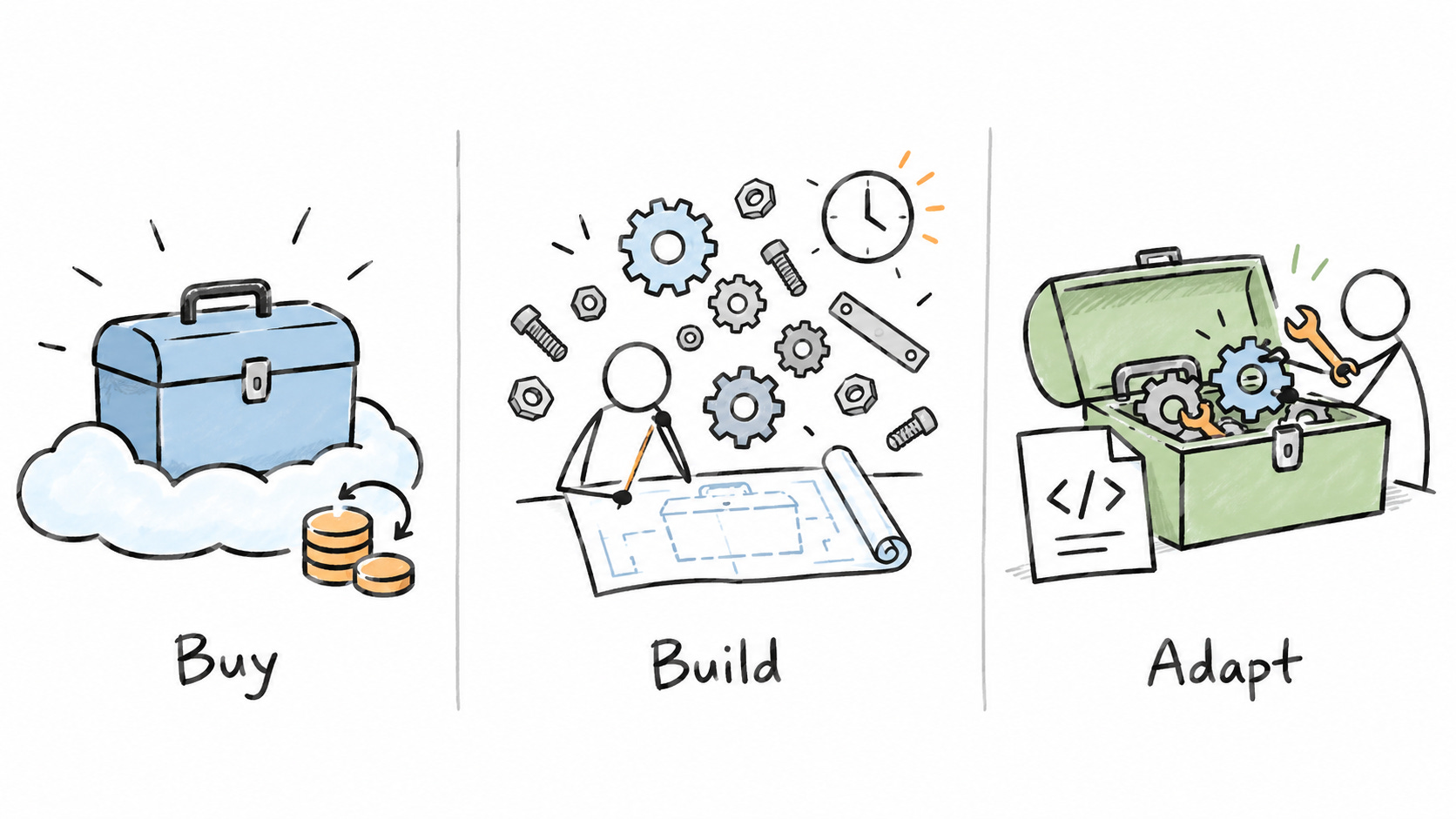
But what if you can have the best of both worlds? You don’t have to build the tool yourself because someone already built it. And at the same time, you have the customizability to fork it and implement your own details. You can self-host it instead of having to pay someone crazy amounts of money.
That’s the real benefit of open source for individuals like you or me. I have installed quite a few of these tools the moment that I discovered them while writing this post. So I hope that it was as useful to you as it was to me.
That’s everything for today. See you in the next article.
If you found value in this post:
❤️ Click the heart to help others find it.
✉️ Subscribe to get the next one in your inbox.
💬 Leave a comment with your biggest takeaway
♻️ Share it with your peers

Today’s article supports phase three: use the time you’ve regained to build and adapt tools that strengthen your engineering skills. Choosing an open-source alternative gives you a practical place to start.
I’m building this system below for paid subscribers. Thanks for your continued support!

🗞️ Other articles people like


