

👋 Get the guide to build your first AI agent directly in your inbox on newsletter signup:

Software engineering is perceived from the outside as writing tons of code and solving tons of technical problems. The reality for most developers is that the job consists of constant micro-decisions that drain mental energy. You constantly ask yourself when you should review a pull request or if you should fix a bug before reading the documentation.
Every time you ask yourself when to do something, you deplete the brain energy needed to solve complex algorithms.
The cost of this continuous negotiation is high. You end up with decision fatigue before you even start the deep work that actually drives value. The mental load of managing your schedule becomes a second job that distracts you from your primary responsibilities. This leads to a state of exhaustion where you react to urgent requests instead of following a strategic plan.
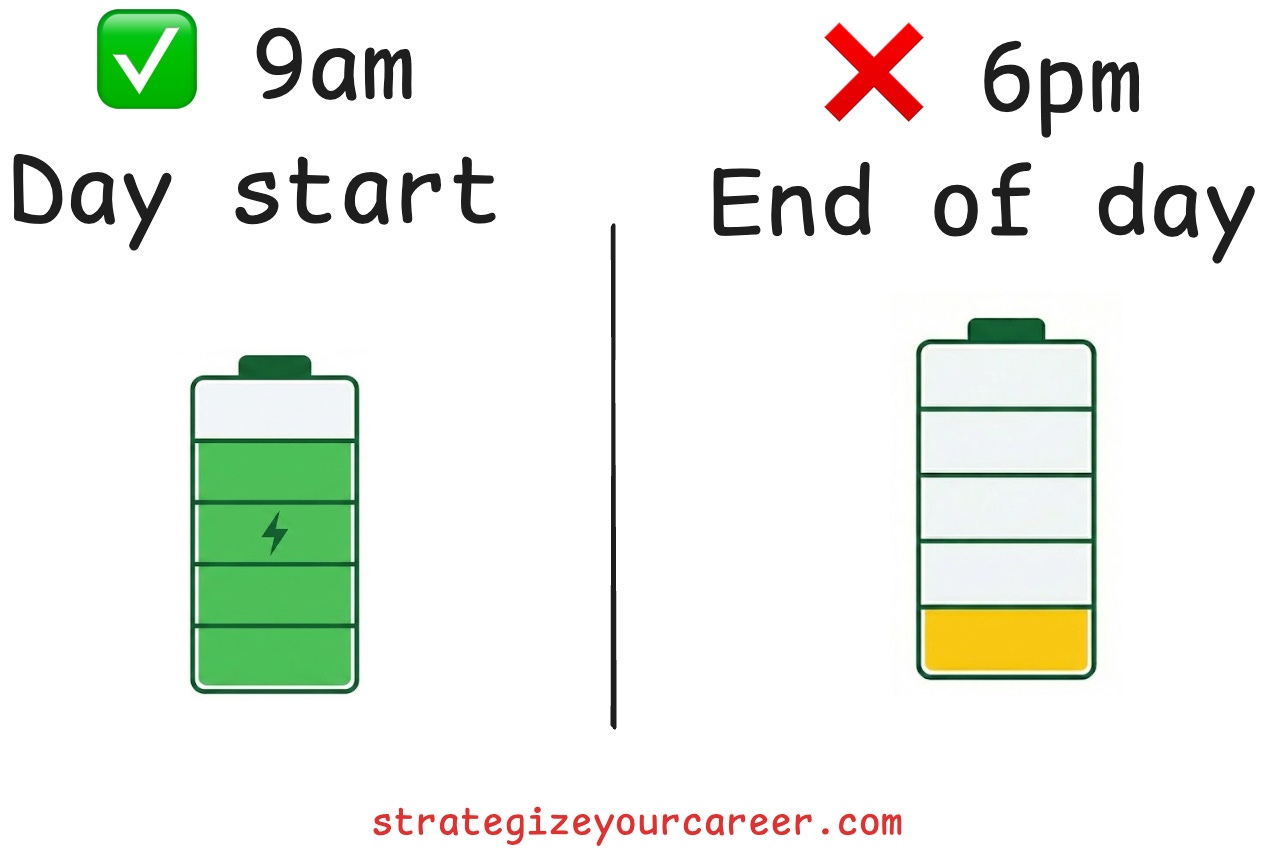
The solution to this problem is the productivity technique I’m bringing today. It separates the planning phase from the execution phase. The goal is to transform your work from a series of negotiations into a simple script that you simply execute.
Take Bryan Johnson, the guy who wants to live forever. He realized his evening self, whom he called evening Bryan, was making tons of bad decisions because he had less energy later in the day. Instead, morning Bryan said “you’re fired“ to evening Bryan. He made the decisions ahead of time to prevent making bad decisions. He separated planning from execution.
Note: This is backed by psychology by the concept of “implementation intentions“. We are more likely to stick to something when we clearly name when, where, with whom… We’ll do something. Also similar to the concept of “Autopilot schedule” from Cal Newport.
In this post, you’ll learn
How to reduce decision fatigue
Strategies for batching communication and admin tasks.
Methods to protect your peak energy hours for deep work.
Ways to systematize recurring decisions to reduce friction.
The core algorithm (separate planning from execution)
You can begin by creating a default calendar that represents your ideal week. This template serves as the norm for your schedule, and any chaotic weeks are treated as exceptions. It prevents you from dwelling on tasks because you know they have a specific slot later in the day. You do not have to carry the mental load of a task all day when you know it will be handled at a specific time.
Constraint-based productivity relies on the principle that work expands to fill the time available (Parkinson’s law). You force efficiency by fixing the time available for specific tasks. You might prioritize delivering the most important work in a one-hour block and reduce non-essential activities. This approach helps you focus on impact rather than just filling hours with activity.
The mindset shift requires you to stop trusting your brain to find time later. If a task matters, it gets a specific slot on your calendar. You do not need to be overly granular, but you must reserve specific blocks for activities like email or code reviews. I reserve a minimum of fifteen minutes for any calendar block to ensure they get done without encroaching on other work.
Also, be realistic. Creating a default calendar shouldn’t be about what you wish (doing a lot of work in little time), but about rearranging your existing calendar to better suit your needs.
Handling the “shallow” stack
A lot of people say to start “eating the frog“, which means to start with the hardest, most important task. I usually procrastinate starting if I start with something hard, so I found something that works better for me.